

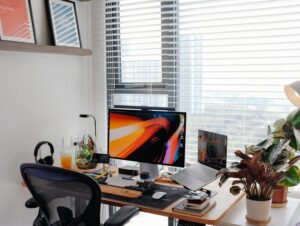
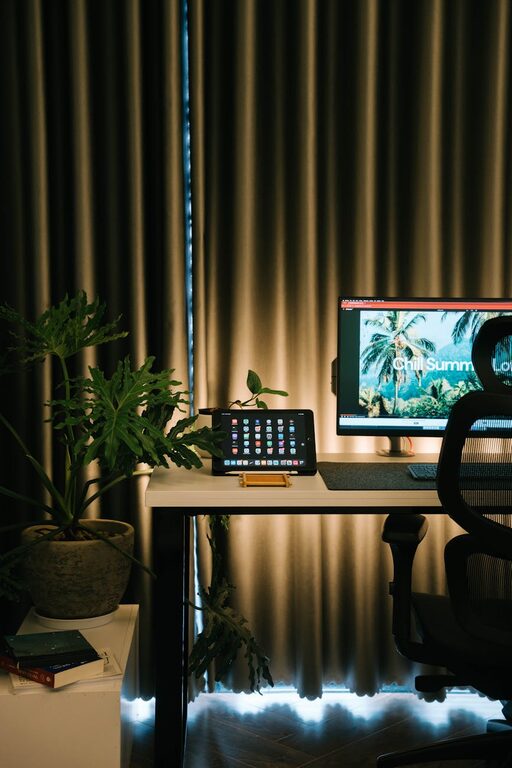
Creating a home workspace that feels both cozy and productive is a goal many people share, especially as remote work becomes more common. A well-designed space can help improve focus, reduce stress, and make working from home more enjoyable. Whether you have a dedicated room, a corner in your living room, or a small desk setup, these simple tips will help you create an environment where you can do your best work comfortably.
1. Choose the Right Spot
The foundation of a good home workspace is location. Here are some points to consider when selecting your spot:
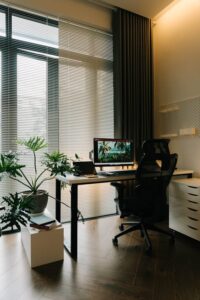
– Natural Light: If possible, set up near a window to take advantage of natural daylight. It can boost your mood and reduce eye strain.
– Quiet Area: Pick a space with minimal distractions. Avoid high-traffic areas where noise or interruptions are common.
– Ventilation: Fresh air helps keep you alert and comfortable. Make sure your area has good airflow.
Even a small nook near a window can work well as long as it supports your needs.
2. Invest in Ergonomic Furniture
Comfort is key to maintaining productivity over long hours. Ergonomic furniture supports good posture and reduces discomfort:
– Chair: Choose an adjustable chair with good lumbar support. Avoid sitting on sofas or beds for work.
– Desk: Your desk height should allow your elbows to be at a 90-degree angle when typing.
– Monitor Setup: The top of your screen should be at eye level to reduce neck strain.
If you don’t have an ergonomic chair, consider adding cushions or using a footrest to improve comfort.
3. Organize Your Essentials
A clutter-free desk helps clear your mind and saves time spent looking for items. Here’s how to stay organized:
– Use Storage: Incorporate drawers, shelves, or desktop organizers to keep supplies tidy.
– Limit Decor: Choose a few meaningful or inspiring items, but avoid overcrowding your workspace.
– Keep Only What You Need: Have necessary tools and documents accessible, while storing away unrelated materials.
Regularly declutter to maintain a neat space; even a quick tidy-up at the start of your day sets the tone for productivity.
4. Optimize Lighting
Good lighting prevents eye fatigue and creates a pleasant environment:
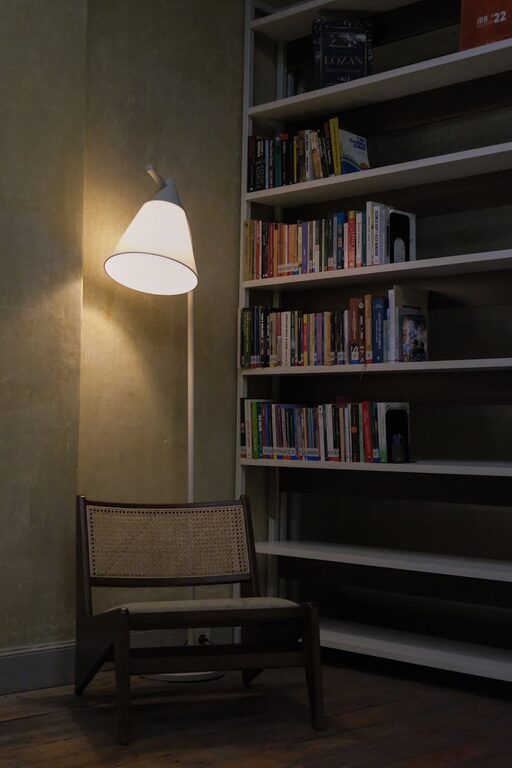
– Layered Lighting: Combine natural light with overhead lighting and task lights like desk lamps.
– Avoid Glare: Position your screen and lighting to reduce glare on your monitor.
– Warm Light: Use warm-colored bulbs to create a cozy atmosphere, especially in the evenings.
Adjust lighting throughout the day to suit your activities.
5. Personalize Your Space
Adding personal touches can make your workspace inviting without distracting you:
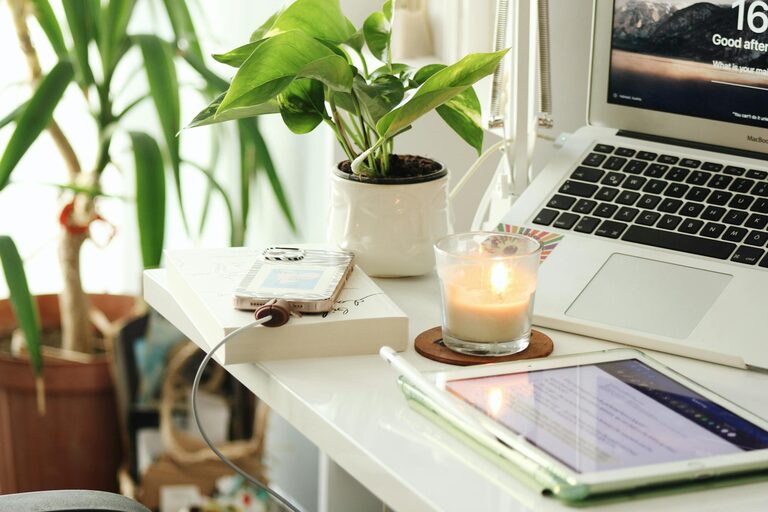
– Plants: Small indoor plants improve air quality and add a natural element.
– Artwork or Photos: Select images that inspire or calm you.
– Colors: Use calming colors like soft blues or greens, or add pops of your favorite shades to uplift the mood.
Balance is important; too many decorations might divert your attention.
6. Manage Noise Levels
Sound can significantly impact concentration. Consider these strategies:
– Noise-Cancelling Headphones: Great if you work in a noisy environment.
– Soft Background Music: Some people find low-volume instrumental music helpful.
– Soundproofing: Adding rugs, curtains, or soft furnishings can absorb sound and reduce echo.
If noise is a concern, discuss solutions with household members to create a respectful working environment.
7. Establish Clear Boundaries
To maintain focus, it’s essential to distinguish work time and space from personal life:
– Set Work Hours: Decide on your work schedule and try to stick to it.
– Signaling Work Mode: Use a visual cue like closing a door or a “do not disturb” sign when working.
– End-of-Day Ritual: When finished, tidy your desk and switch off work devices if possible.
These boundaries help your mind relax outside of work hours and keep your workspace feeling fresh.
8. Incorporate Movement and Breaks
Sitting too long can reduce productivity and affect health. Make breaks part of your routine:
– Stretch Regularly: Simple stretches help reduce muscle tension.
– Change Positions: Stand or walk while taking phone calls if possible.
– Scheduled Breaks: Use timers or apps to remind you to rest your eyes and move.
Moving around refreshes your energy and keeps you focused throughout the day.
9. Use Technology Wisely
Technology helps efficiency but can also cause distraction. Manage it carefully:
– Organize Digital Files: Keep your computer desktop clean and files well-organized for easy access.
– Minimize Notifications: Turn off non-essential alerts during focused work times.
– Helpful Apps: Use productivity tools like to-do lists or calendar reminders.
Technology should support your goals, not hinder them.
—
Creating a cozy and productive home workspace is about balancing comfort with focus. You don’t need a perfect or large space—small changes can make a big difference. Experiment with these tips to find what works best for you, and enjoy a workspace that supports your best work every day.